25.08.13
"Does This Image Have Enough Resolution for Print?" A Simple Calculation Will Tell You.
 Hachiware
  Mikeneko Hachiware
 Pixels tell you whether an image has enough resolution for print
Whether an image meets the resolution you need comes down to two things:
the pixel count of the image, and the actual size it'll be printed at.
Print size and required resolution
With these two values, a simple calculation gives you the answer (the pixel count you need).

Running through this calculation once is a good way to deepen your understanding of resolution.
Let's walk through the actual steps together.
1. Check the resolution your print job needs
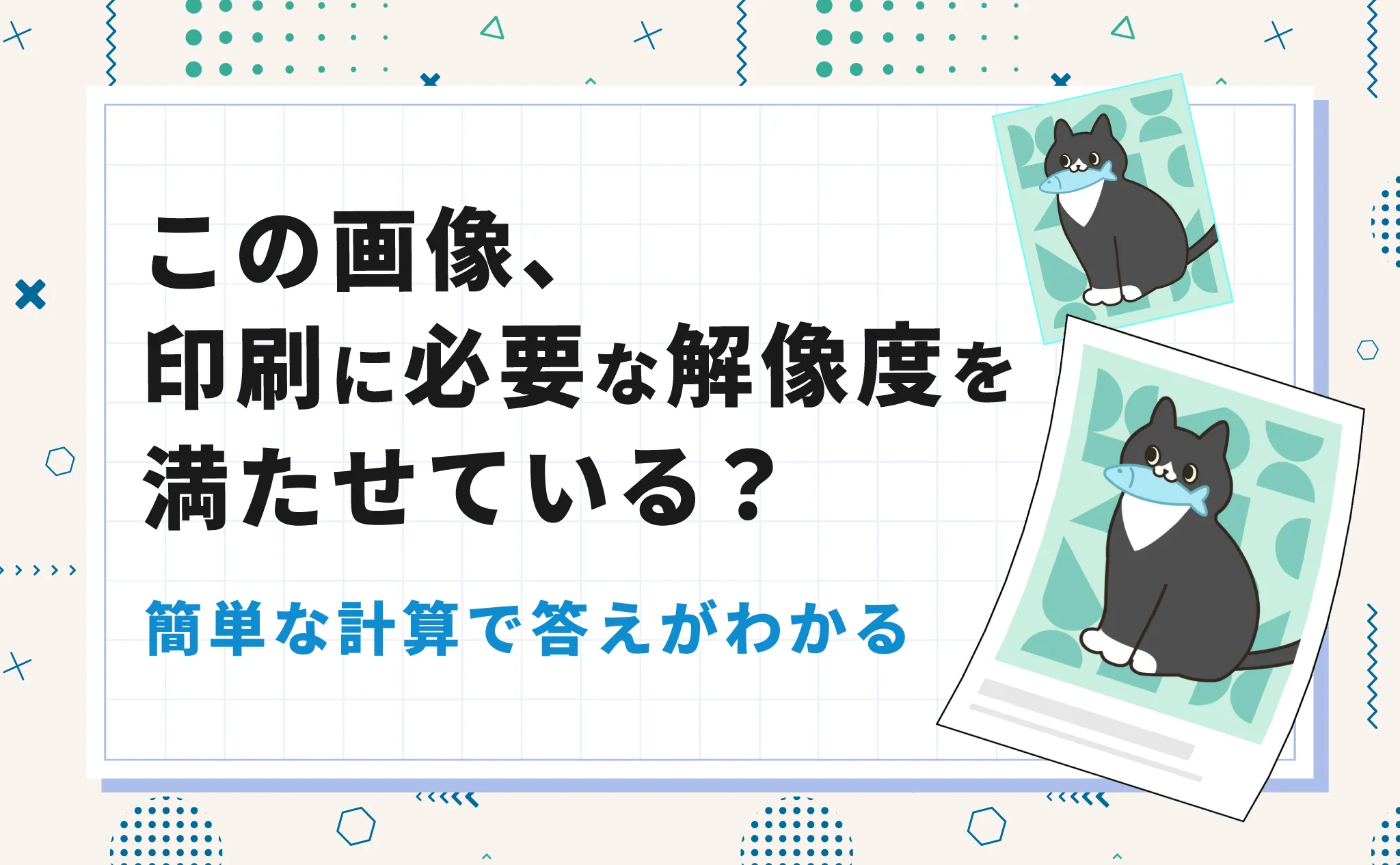
Our hachiware cat above wants to print an A3 poster in full color.
Checking with the print shop, it turns out the resolution they need is 350 ppi.
2. Check the actual size the image will be printed at
Just because it's an A3 poster doesn't mean the image fills the whole A3 sheet.
It's only going in one part of the poster.
The actual size of that area turned out to be 20 cm wide × 10 cm tall.
3. Convert the size to inches
The calculation is done in inches, so let's convert the size from cm.
Divide the actual size in cm by 2.54 cm (one inch).
10 cm comes out to 10 ÷ 2.54 ≈ 3.94 inches.
4. Find the pixel count you need
Multiply the size in inches by the resolution you need.ppi (pixels per inch) tells you how many pixels are lined up along one inch.
Since we need 350 ppi this time,
multiply the inch size we just calculated by 350 to get the pixel count we need.
3.94 inches (print size) × 350 ppi (required resolution) = 1,379 pixels
In other words, as long as an image is at least 2,754 × 1,379 pixels, it has the resolution we need.
Hachiware Summary
This calculation tells you whether an image has enough resolution for print.
(Finished size in cm ÷ 2.54 cm) × required resolution = required pixel count
Run the calculation in reverse for a deeper understanding
To deepen our understanding, let's flip the calculation and see what the resolution would be if we used the image as is.
Divide the pixel count by the size in inches.4,000 pixels ÷ 7.87 inches ≈ 508 ppi
2,000 pixels ÷ 3.94 inches ≈ 508 ppi
Hachiware What if the image's aspect ratio doesn't match the print size?
In the example above, the aspect ratios match, so the width and height both come out to 508 ppi. When they don't, the result changes.
For example, say the hachiware cat's image was 4,000 × 3,000 px.
4,000 pixels ÷ 7.87 inches ≈ 508 ppi
3,000 pixels ÷ 3.94 inches ≈ 762 ppi
Even in this case, the actual answer is 508 ppi.
That's because if you base the calculation on the 3.94-inch height, a 4:3 image won't fill the full 7.87-inch width.
The idea is to base the calculation on the 7.87-inch width and crop off the part of the image that runs past the 3.94-inch height.